Random Pokémon Team
Roll a filtered squad of random Pokémon — then add your favourites to Your Team.
Your random team is ready
Roll a filtered squad — lock favourites, re-roll the rest, then add them to your team or export to Showdown.
How to play
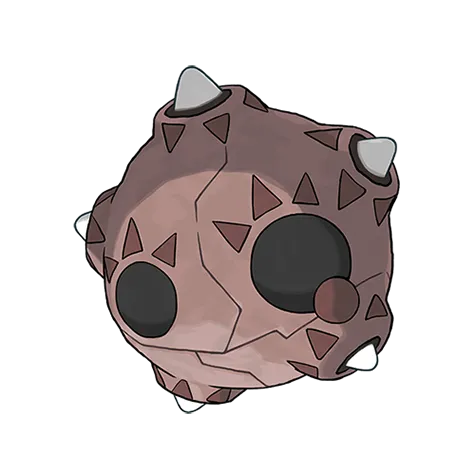
Minior Red Meteor
Originally making its home in the ozone layer, it hurtles to the ground when the shell
Generating set…
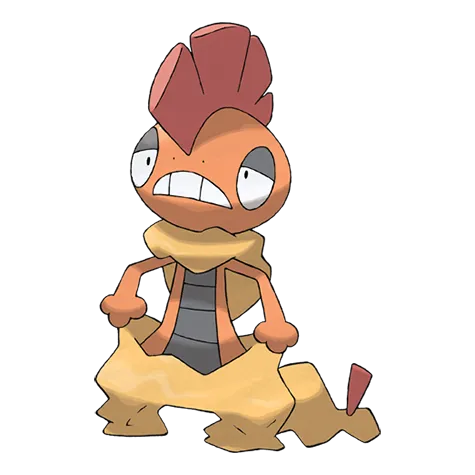
Scrafty
Groups of them beat up anything that enters their territory.
Generating set…
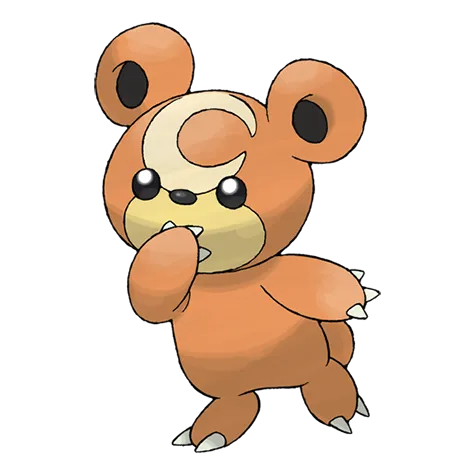
Teddiursa
If it finds honey, its crescent mark glows.
Generating set…
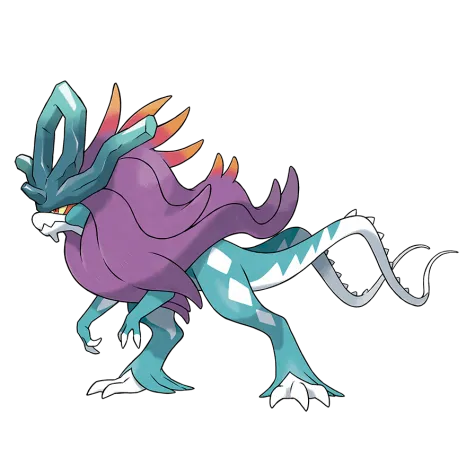
Walking Wake
This ferocious creature is shrouded in mystery.
Generating set…
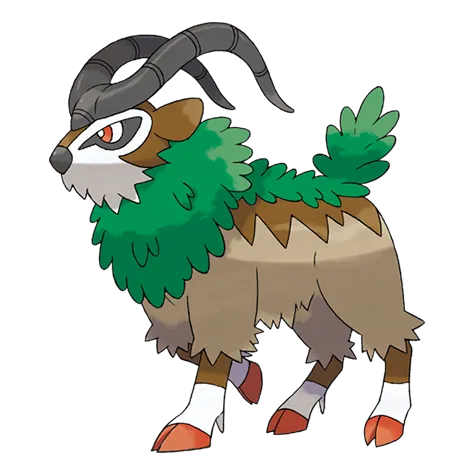
Gogoat
It can tell how its Trainer is feeling by subtle shifts in the grip on its horns.
Generating set…
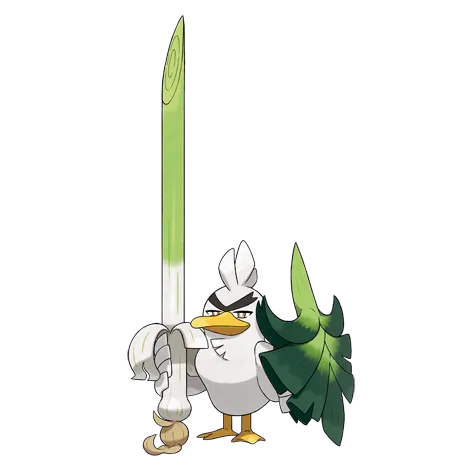
Sirfetchd
Only Farfetch’d that have survived many battles can attain this evolution.
Generating set…
Was this tool useful?
Why roll a random team?
A random team takes the decision paralysis out of team building. Instead of scrolling the Pokédex for an hour, you get six slots handed to you — and that's when the interesting part starts: making them work together. Use the result as a challenge run, a friendly draft, a practice squad, or pure inspiration for your next playthrough.
Ways to play
Challenge run
Commit to the six you roll on your next playthrough — no rerolls. Build around what you get, awkward type overlap included.
Draft with friends
Share the page link — the URL carries the exact squad, so everyone starts from the same six. Roll your own answer to it, then battle and compare.
Showdown practice
Copy Sets gives you full sets with moves, items and EVs. Paste them into the Showdown teambuilder and ladder with a team you didn't overthink.
Theme build
Lock a type, generation or category in the filters and roll inside a constraint of your own — a mono-Water squad, a Gen 3 reunion, an all-Starters run.
Set your rules before you roll
A random team feels better when the rules come first. Legendaries allowed? If not, open the filters and exclude the category before you touch the Roll button. Mono-type run? Lock the type. Only the games you grew up with? Lock the generation. The filters are your rulebook — set them once, then live with what the dice say.
For casual play, accept an awkward overlap as part of the challenge — three Pokémon sharing a weakness is a puzzle, not a bug. For a draft, agree the bans with your group before anyone rolls. For a story run, allow yourself one veto when a species simply can't be caught in your game.
The point is a team you would actually play — not rerolling until it looks perfect.
A sample roll
One tap might hand you Gengar, Donphan, Togekiss, Ferrothorn, Volcarona and Pelipper — a perfectly usable squad, except three of them fold to Rock. That shared weakness is the challenge: do you patch it with items and moves, or lean in and out-speed everything? The roll gives you a constraint; what you build around it is the game.
Want a narrower pool?
Roll inside a single slice of the Pokédex instead — try the Gen 1 generator, Dragon-type generator or Legendary generator — then come back and roll a full team inside your favourite constraint.
FAQ
How are teams generated?
Each roll draws six random Pokémon at once. Open the filters to restrict the pool by generation, region, type or category (like Legendary or Starter) before rolling.
Why did I get fewer than six Pokémon?
Very narrow filters can leave a matching pool smaller than six. Widen one of the filters — or set one back to Random — and roll again.
Can I save or share a team?
Share the page link — the URL carries the rolled squad, so friends opening it see the same six. Tap Add to Team on any card to keep favourites in Your Team across the whole site.
How do I use this team in Pokémon Showdown?
Tap Copy Sets below the team (the button with the Showdown badge) to copy the squad in Showdown's text format. Then open play.pokemonshowdown.com/teambuilder, choose Import/Export and paste the text — every set loads with its moves, ability, item, nature and EVs, ready to battle or fine-tune.